
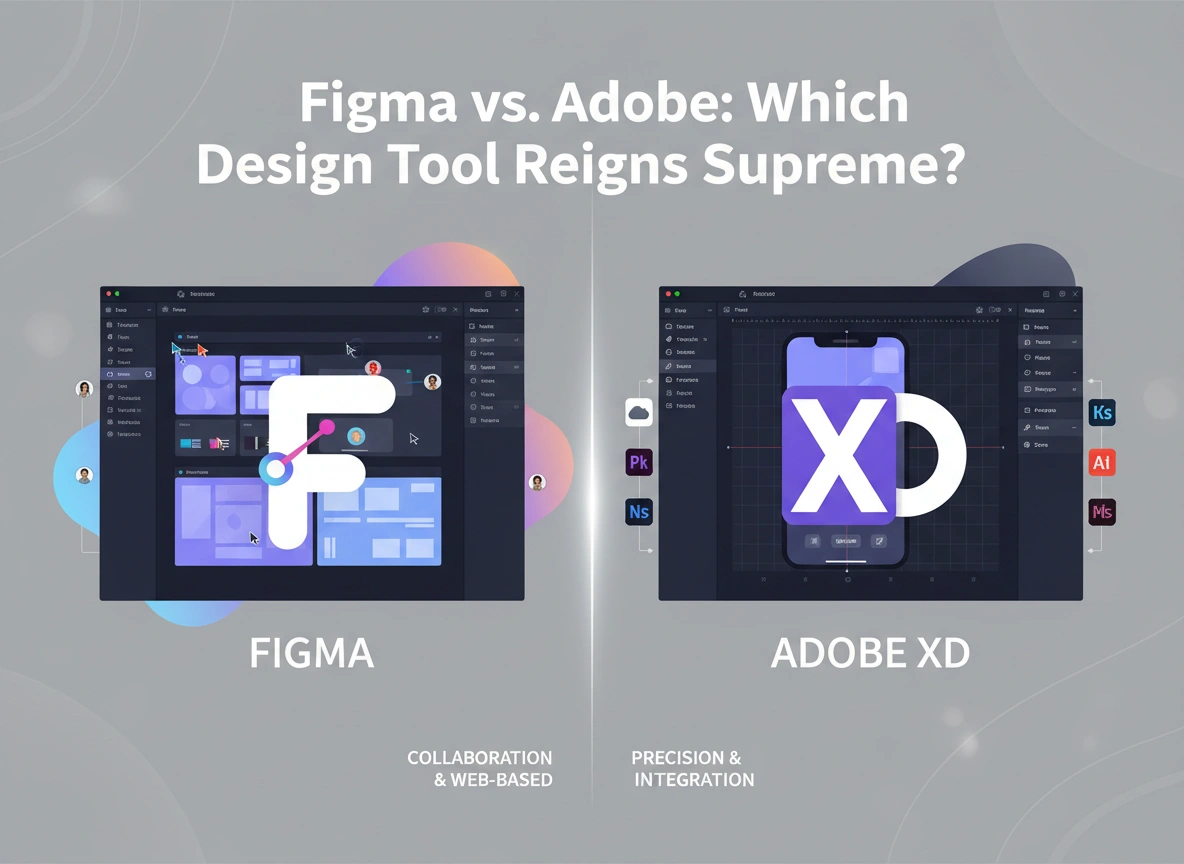

Choosing the right design tool is a critical decision that can shape a team’s entire workflow. For years, two giants have dominated the UI/UX design space: Figma and Adobe XD. Both are powerful platforms for creating wireframes, prototypes, and high-fidelity designs, but they offer distinct experiences. This in-depth comparison will explore the key differences between them to help you decide which tool best fits your needs.
We will analyze everything from user interface and collaboration to pricing and performance. By the end, you’ll have a clear understanding of each platform’s strengths and weaknesses, empowering you to make an informed choice for your next project.
User Interface and Ease of Use
A design tool’s interface is its foundation. It needs to be intuitive enough for beginners yet powerful enough for seasoned professionals.
Figma: The Browser-First Experience
Figma’s primary strength is its browser-based accessibility. You can start designing on any machine with an internet connection, without needing to install heavy software. The interface is clean and minimalist, which helps new users get started quickly. The left panel organizes layers and assets, the top bar contains core tools, and the right-hand properties panel provides contextual options for selected elements. This logical layout is easy to navigate, though it can feel crowded on smaller screens when working on complex projects.
Adobe XD: Familiarity for Creatives
Adobe XD offers a clean, uncluttered workspace that will feel instantly familiar to anyone who has used other Adobe Creative Cloud applications like Photoshop or Illustrator. It provides a focused environment with core design and prototyping tools readily available. While XD has a dedicated desktop app, its performance is generally smooth and responsive. The learning curve is gentle, especially for those already in the Adobe ecosystem, making it a comfortable entry point into UI/UX design.
Collaboration and Handoff
Modern design is a team sport. How well a tool facilitates collaboration between designers, developers, and stakeholders is a major deciding factor.
Figma: Real-Time, Seamless Collaboration
Figma is the undisputed leader in real-time collaboration. Its multiplayer mode allows multiple users to work on the same file simultaneously, with cursors indicating each person’s activity. This functionality is invaluable for brainstorming sessions, design pairing, and live feedback. Commenting is also a core feature, allowing stakeholders to leave feedback directly on the canvas.
For developer handoff, Figma’s “Dev Mode” provides a dedicated space where developers can inspect designs, copy CSS, Swift, and XML code, and download assets. This integrated workflow significantly reduces friction between design and development teams.
Adobe XD: Improving with Coediting
Adobe XD has made significant strides in collaboration with its coediting feature, which also allows multiple designers to work in the same document at the same time. While effective, it sometimes feels less instantaneous than Figma’s implementation. Sharing designs for review is straightforward, and stakeholders can leave comments on a shared web link.
Developer handoff in XD is managed through “Design Specs.” Designers can publish a link that provides developers with measurements, colors, character styles, and downloadable assets. It works well, but it’s a separate view from the main design file, unlike Figma’s more integrated approach.
Features and Functionality
Beyond the basics, the unique features of each tool can set them apart.
Figma: Components and Auto Layout
Figma’s component system is exceptionally powerful. You can create reusable UI elements (like buttons and navigation bars) that can be updated across all instances from a single master component. This ensures consistency and saves immense amounts of time.
“Auto Layout” is another standout feature, allowing you to create dynamic frames that grow or shrink as their content changes. This is perfect for building responsive designs and complex components that adapt automatically, mimicking the behavior of real-world web layouts.
Adobe XD: Repeat Grid and Prototyping Power
Adobe XD’s “Repeat Grid” is a fan-favorite feature that simplifies the creation of repeating elements like lists and card layouts. You simply design one item and drag a handle to repeat it horizontally or vertically. Any changes made to the master item are instantly reflected across the grid.
XD also shines in prototyping. It offers advanced features like voice triggers, auto-animate for creating smooth micro-interactions, and support for game controller inputs. These capabilities allow designers to build highly interactive and immersive prototypes that feel closer to the final product.
Performance and Accessibility
How a tool performs under pressure is just as important as the features it offers.
Figma: Cloud-Based Agility
Since Figma is browser-based, it offloads much of the heavy lifting to the cloud. This means it can handle massive, complex files with thousands of layers without crippling your local machine. The main requirement is a stable internet connection. Figma also offers desktop apps for Windows and macOS, which are essentially wrappers for the web version but can offer slightly better performance and offline access for saved files.
Adobe XD: Desktop-Native Speed
As a native desktop application, Adobe XD is optimized for performance on both macOS and Windows. It is known for its speed and responsiveness, even when handling large files and intricate prototypes. The experience is generally smooth and lag-free. However, because it’s a locally installed application, your computer’s hardware plays a more significant role in its performance compared to Figma.
Pricing and Plans
Budget is often a key consideration for individuals and organizations.
Figma: Generous Free Tier
Figma offers a very generous free starter plan that includes up to three Figma files, unlimited personal files, and unlimited collaborators. This makes it incredibly accessible for students, freelancers, and small teams just getting started. For larger teams and organizations, paid plans (Professional and Organization) unlock unlimited files, advanced team features, and enhanced security.
Adobe XD: Part of the Creative Cloud Suite
Adobe XD has a free starter plan that is more limited than Figma’s. Its true value is unlocked when purchased as part of the Adobe Creative Cloud subscription. For individuals and businesses already paying for Creative Cloud, XD is essentially included at no extra cost. This makes it a compelling and cost-effective choice for those heavily invested in Adobe’s ecosystem. It can also be purchased as a standalone application.
Integrations and Plugins
No design tool exists in a vacuum. A strong ecosystem of plugins and integrations can extend its capabilities significantly.
Figma: A Thriving Community Ecosystem
Figma has a vast and active community that contributes thousands of plugins and templates through the Figma Community hub. You can find plugins for everything from managing content and accessibility checks to creating complex animations and integrating with tools like Jira, Slack, and an extensive list of user testing platforms. This vibrant ecosystem makes Figma incredibly versatile.
Adobe XD: Growing Plugin Library
Adobe XD also has a growing library of plugins that enhance its functionality. You can find integrations for popular tools like Trello, UserTesting.com, and Dribbble. While its plugin library is not as extensive as Figma’s, Adobe has been actively encouraging developers to build for its platform, and the selection continues to expand.
Conclusion: Which Tool Should You Choose?
Both Figma and Adobe XD are excellent tools, and the “best” one depends entirely on your specific context, team structure, and project requirements.
Choose Figma if:
- Collaboration is your top priority. Its real-time, browser-based collaboration is second to none.
- You work with a distributed team or on multiple operating systems.
- You need a powerful component system and want to leverage features like Auto Layout for responsive design.
- You want access to a massive library of community-created plugins and resources.
Choose Adobe XD if:
- You are already invested in the Adobe Creative Cloud ecosystem. The seamless integration with Photoshop, Illustrator, and After Effects is a major advantage.
- You need to create highly interactive prototypes with features like voice commands and advanced animations.
- You prefer the stability and speed of a native desktop application.
- Features like Repeat Grid align perfectly with your design workflow for creating lists and galleries.
Ultimately, the competition between Figma and Adobe XD has pushed both platforms to innovate, resulting in better tools for everyone. The best way to decide is to try both. Take advantage of their free plans, work on a small project in each, and see which one feels like the right fit for you and your team.
Please visit website for more info

