

You’ve probably seen the “storage full” notification pop up on your phone at the worst possible moment. Maybe you were trying to capture a video of your child’s first steps or download an urgent work document. That panic—the frantic search for what to delete—is becoming a relic of the past thanks to the cloud.
Cloud storage has shifted from a tech-savvy luxury to a fundamental utility for modern life. It isn’t just about dumping files into a digital locker; it’s about accessibility, security, and peace of mind. Mastering cloud storage for personal use means you stop worrying about hard drive failures and start enjoying seamless access to your digital life from anywhere.
This guide will walk you through everything you need to know to take control of your digital assets, from choosing the right provider to securing your most sensitive data.
Why Cloud Storage Is Essential for Personal Use
The concept of “the cloud” can still feel abstract, but its application is incredibly practical. At its core, cloud storage allows you to save data on remote servers accessed via the internet, rather than on your local hard drive.
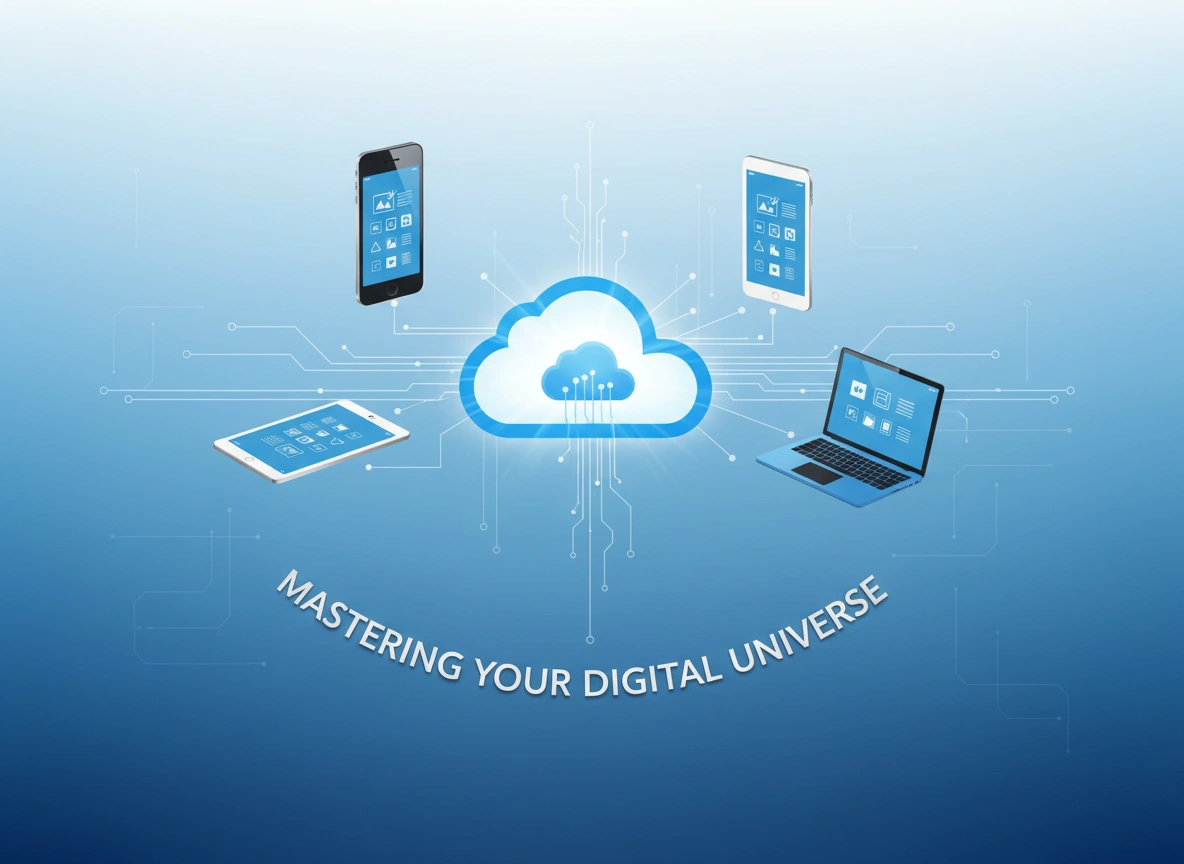
For personal users, the benefits are transformative. First, it offers redundancy. If your laptop is stolen or your house floods, your physical backups might be gone, but your cloud data remains untouched. Second, it provides ubiquity. You can start editing a document on your home desktop, review it on your tablet during your commute, and finalize it on your phone at a coffee shop.
Finally, it simplifies sharing. Sending a link to a photo album is far easier than trying to email twenty high-resolution images. Mastering these tools gives you a level of digital agility that local storage simply cannot match.
Key Features to Look for in a Cloud Solution
Not all clouds are created equal. Before you commit to a subscription, evaluate potential services based on these critical features.
Storage Capacity and Scalability
Most free tiers offer between 2GB and 15GB. That fills up faster than you think, especially with 4K video and high-resolution photos. Look for a provider that offers affordable tiers for 1TB or 2TB of data. You want a service that can grow with you over time.
Syncing Speed and Reliability
“Syncing” is the process of updating your files across all devices. A good service does this instantly and invisibly. Block-level sync—where only the changed parts of a file are uploaded rather than the whole file—is a premium feature that saves massive amounts of bandwidth and time.
File Versioning
This is a lifesaver. File versioning allows you to restore an older version of a document if you accidentally delete content or save over it. Check how far back the history goes; some services offer 30 days, while others offer unlimited version history.
Collaboration Tools
Even for personal use, you might want to share a budget spreadsheet with a partner or a photo folder with family. The ability to control permissions (view-only vs. edit access) is essential for keeping your data safe while sharing it.
Popular Cloud Storage Providers: A Comparison
While there are dozens of options, a few heavy hitters dominate the market. Understanding their unique strengths will help you choose the right one for your ecosystem.
Google Drive
Best for: Collaboration and Android users.
Google Drive is the powerhouse of productivity. If you use Google Docs, Sheets, or Photos, this is the natural choice. It offers a generous 15GB free tier (shared across Gmail and Photos) and excellent real-time collaboration tools. Its search capability is, unsurprisingly, industry-leading.
Dropbox
Best for: Simplicity and speed.
Dropbox pioneered modern cloud storage. It is famous for its clean interface and reliable syncing speeds. It uses block-level sync, making it faster than many competitors when updating large files. However, its free tier is a meager 2GB, pushing most users toward paid plans quickly.
Microsoft OneDrive
Best for: Windows and Office 365 users.
If you live in the Windows ecosystem, OneDrive is deeply integrated into the operating system. Its “Personal Vault” feature adds an extra layer of identity verification for sensitive files. Plus, 1TB of storage often comes bundled with a Microsoft 365 subscription, making it incredibly cost-effective.
iCloud Drive
Best for: Apple loyalists.
For those fully immersed in the Apple ecosystem (iPhone, iPad, Mac), iCloud is seamless. It handles device backups and photo syncing effortlessly. However, it can be clunky to use if you frequently switch between Windows and Apple devices.
pCloud
Best for: Lifetime value and media.
pCloud is unique because it offers “lifetime” subscriptions—pay once, keep it forever. It also features a built-in media player, making it excellent for streaming your own music and video collections directly from the cloud.
Organizing and Managing Your Cloud Files
Dumping files into the cloud without a system just creates a digital junk drawer. To truly master cloud storage, you need a robust organization strategy.
Adopt a Standard Naming Convention
Inconsistent file names are the enemy of retrieval. Adopt a convention like YYYY-MM-DD_Description. For example, instead of Invoice.pdf, use 2023-12-01_Plumber_Invoice.pdf. This sorts files chronologically by default and makes searching much easier.
Create a Hierarchy Based on Life Areas
Avoid a flat structure where everything sits in the root folder. Create broad categories such as:
- Documents (IDs, insurance, taxes)
- Media (Photos, videos, music)
- Projects (Home renovations, hobbies)
- Archives (Old work files, past school years)
utilize “Smart” Folders and Tags
Many services allow you to tag files with keywords regardless of which folder they are in. Use tags like “To Print,” “Urgent,” or “Tax Deductible” to group disparate items together for quick access.
Regular Digital Decluttering
Schedule a quarterly review. Go through your “Downloads” and temporary folders. Delete screenshots you no longer need, duplicate photos, and outdated documents. A lean cloud is a fast cloud.
Security and Privacy Considerations
Putting your personal data on someone else’s server requires trust, but it also requires vigilance. Security is a shared responsibility.
Two-Factor Authentication (2FA)
This is non-negotiable. Enable 2FA immediately. This ensures that even if a hacker guesses your password, they cannot access your files without the second code sent to your phone or authentication app.
Zero-Knowledge Encryption
Standard cloud storage providers encrypt your data, but they also hold the encryption keys. This means they could technically access your files (e.g., for law enforcement requests).
For maximum privacy, look for “Zero-Knowledge” encryption (offered by providers like pCloud or Sync.com). In this model, only you hold the key. If you lose your password, the data is unrecoverable, but no one else—not even the service provider—can see your files.
Encryption for Standard Providers
If you prefer using Google Drive or Dropbox but want extra security for specific files (like tax returns), use a tool like Cryptomator. It creates a secure vault on your computer that is then synced to the cloud. To the cloud provider, it just looks like gibberish data; to you, it’s accessible files.
Manage Third-Party Access
Over time, you may grant apps access to your cloud storage (e.g., a PDF editor or a photo printing service). Periodically review these permissions in your account settings and revoke access for any apps you no longer use.
Future Trends in Cloud Storage
The cloud is evolving rapidly. Understanding where the technology is heading can help you future-proof your setup.
AI-Driven Organization
We are seeing a surge in Artificial Intelligence integration. Future cloud storage won’t just hold files; it will understand them. Expect features that automatically categorize receipts, identify people in photos with near-perfect accuracy, and even summarize long documents without you opening them.
Hybrid Cloud for Personal Use
Hardware devices like NAS (Network Attached Storage) are becoming more user-friendly. A hybrid approach involves keeping a physical “cloud” hard drive in your home for speed and privacy, which then automatically backs up to a commercial cloud service for disaster recovery. This gives you the best of local speed and remote security.
Decentralized Storage
Blockchain technology is entering the storage space. Decentralized storage splits your files into tiny, encrypted shards and distributes them across a global network of computers. This theoretically makes data breaches impossible, as no single server holds your complete file. While still niche, this could redefine privacy standards in the coming years.
Conclusion
Mastering cloud storage is not about understanding complex server architecture. It is about building a system that works for your life. It is about knowing that your family photos are safe from fire or theft, and that your critical documents are available the moment you need them.
Start small. Audit your current files, choose a provider that aligns with your devices, and implement strict security measures like 2FA. Once you have a system in place, the cloud stops being just a storage locker and becomes a powerful engine for your personal productivity.
Action Plan:
- Audit: Check how much data you currently have and what type (photos vs. docs).
- Select: Choose a primary provider based on the comparison above.
- Secure: Enable 2FA immediately.
- Organize: Spend one hour this weekend creating a folder structure and sorting your desktop.Please visit this website for more info.

